
Guide to WebPConverter.app
This article provides a comprehensive overview of WebPConverter.app, a powerful online platform specifically designed to transform traditional image files into the highly efficient WebP format. In the following sections, we will explore the fundamental advantages of utilizing the WebP format, including significant improvements in file compression, drastically faster website loading times, and enhanced search engine optimization. Furthermore, we will delve into the robust features offered by the application, from its core bulk conversion capabilities and granular compression settings to its extensive suite of built-in image editing filters. Whether you are a web developer looking to optimize a client site, a digital marketer aiming to boost page speed scores, or simply an enthusiast wanting to save disk space, this guide will provide you with a thorough understanding of how this tool can streamline your digital asset management.
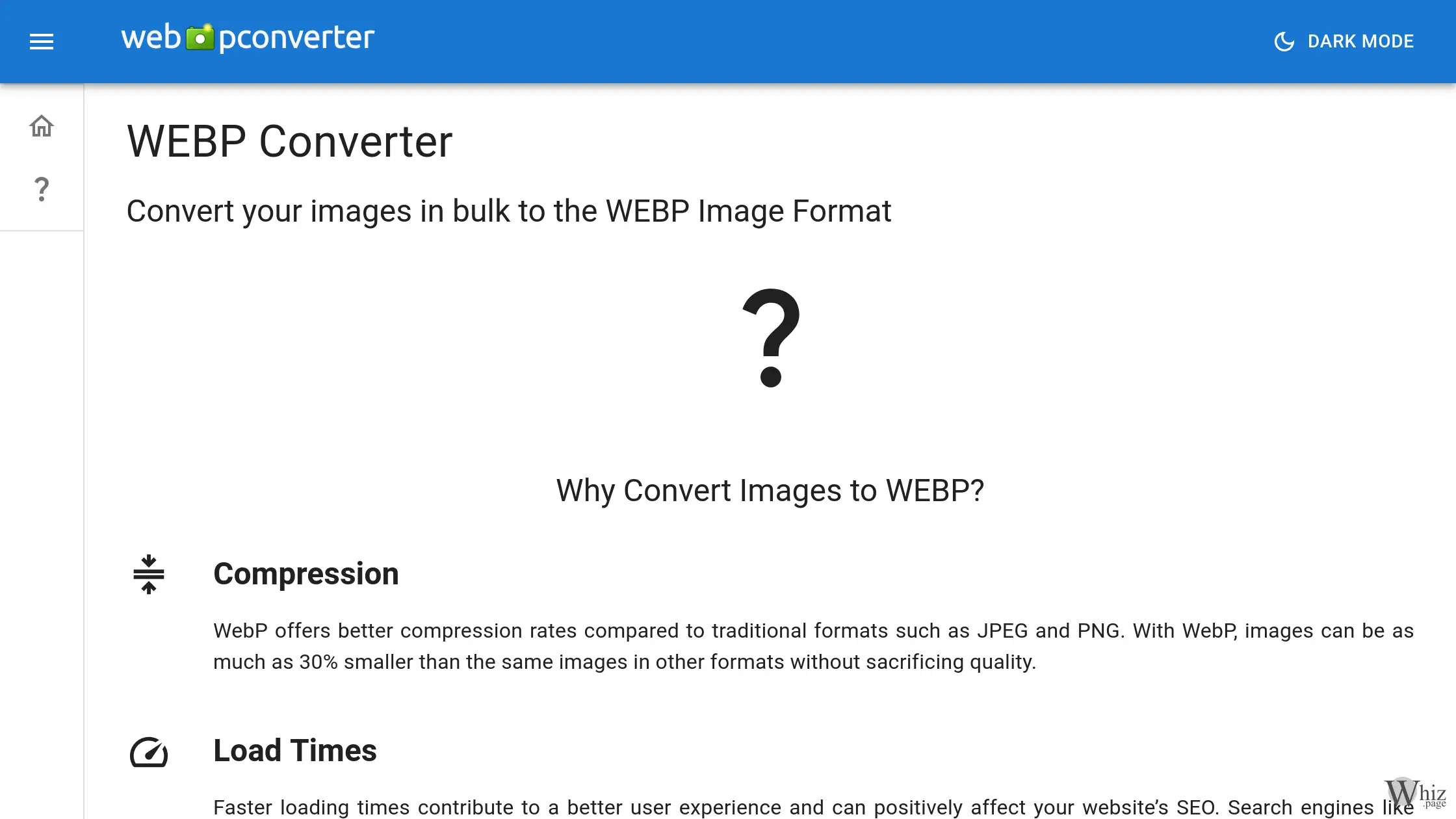
The digital landscape is heavily reliant on visual media, but high-quality images often come at the cost of large file sizes. This is where the WebP image format, initially developed by Google, steps in to revolutionize how we store and display graphics on the internet. Traditional formats like JPEG and PNG have served the web well for decades, but they possess inherent limitations regarding the balance between visual fidelity and file size. WebP offers vastly superior compression rates compared to these older formats. By utilizing predictive coding to encode an image, WebP can produce files that are as much as thirty percent smaller than the exact same images saved as JPEGs or PNGs, all without any noticeable sacrifice in visual quality. Furthermore, unlike JPEGs which are restricted to opaque backgrounds, WebP natively supports transparency through an alpha channel. This makes it an incredibly versatile, all-in-one format that can handle everything from complex, multi-colored photographs to transparent site logos and graphic overlays.
For modern website owners and administrators, adopting the WebP format is no longer just an optional technical tweak; it is a critical component of search engine optimization and user experience management. Faster loading times directly contribute to a more seamless and enjoyable user experience. When visitors navigate to a webpage, they expect immediate access to content. If heavy, unoptimized images cause the layout to stall or load incrementally, bounce rates will inevitably increase. Because WebP significantly reduces the total payload of a webpage, assets load almost instantaneously even on slower mobile networks. Search engines like Google actively monitor page speed metrics and prioritize sites that load quickly in their search rankings. Therefore, utilizing a tool to transition your media library to WebP is a highly valuable strategy for boosting your site's overall performance, retaining visitors, and climbing the search engine results pages.
The primary utility of WebPConverter.app lies in its ability to facilitate this transition effortlessly. Accessible directly through your web browser without the need for downloading cumbersome desktop software, the platform provides a streamlined, dark-mode-enabled interface for processing images in bulk. Users simply access the tool, configure their desired output parameters, and initiate the conversion. The ability to handle multiple files simultaneously is a massive time-saver for developers or content creators who frequently manage large batches of product photos, blog headers, or social media assets. Once the platform has processed the batch, users can download a conveniently generated zip archive containing their newly optimized files, ready to be deployed to their servers or organized into local folders.
One of the standout aspects of the platform is the deep level of configuration it offers to users before the conversion process even begins. You are not forced into a one-size-fits-all output. Users can choose between lossless compression, which guarantees that zero data is discarded and the highest possible quality is maintained, or lossy compression, which utilizes a quality slider ranging from zero to one hundred. This allows you to fine-tune the exact balance between file size reduction and visual clarity. Additionally, the tool provides advanced options for managing filenames, including the ability to add custom postfixes to the generated files, ensuring your original source files are never accidentally overwritten. Privacy and security-conscious users will also appreciate the metadata removal feature. With a single click, the tool strips away all hidden image metadata—such as camera models, geolocation coordinates, and timestamps—which not only further reduces the final file size but also conceals the original identity and origin of the photograph.
Beyond simple format conversion, WebPConverter.app distinguishes itself by offering a surprisingly comprehensive array of built-in image manipulation tools and aesthetic filters. This eliminates the need to route your images through a separate photo editing program before uploading them for conversion. Users can adjust fundamental image properties such as brightness, contrast, gamma, saturation, and hue directly within the browser interface. If you need to physically alter the dimensions or orientation of your batch, the platform provides robust resizing, cropping (trim), mirroring, and rotation tools. For those looking to apply artistic effects or correct visual anomalies, the tool suite includes a Gaussian blur function, a grayscale converter, and a sepia tone generator. It even offers advanced aesthetic filters such as oil paint, vignette, solarize, negate, normalize, and wave distortions. Crucially, it also features a bulk watermarking tool, allowing creators and businesses to protect their intellectual property by overlaying a logo or copyright text across an entire batch of images simultaneously as they are being converted to WebP.
Despite the clear benefits of the format and the intuitive nature of the tool, users often have questions regarding the implementation of WebP. A common inquiry is whether the format is suitable for absolutely every type of image. While WebP is universally excellent for standard photographs and complex web graphics, highly intricate vector graphics or text-heavy images might sometimes be better served by SVG formats depending on the scaling requirements. However, for the vast majority of rasterized web content, WebP remains the optimal choice. Another frequent question pertains to browser compatibility. While early adoption was gradual, all modern web browsers now offer full, native support for the WebP format, meaning website administrators can confidently serve these files to their audiences without fear of broken image links. Finally, it is worth noting the impressive technical capabilities of the format itself; the maximum dimensions for a WebP file are 16,383 pixels wide by 16,383 pixels high, translating to roughly 268 megapixels, ensuring that even the highest resolution professional photography can be accommodated and optimized.
In summary, transitioning your image assets to modern, highly compressed formats is a fundamental necessity for contemporary web management, and leveraging a dedicated tool significantly simplifies this process. By combining an accessible interface, powerful bulk processing, granular compression controls, and an extensive suite of editing filters, the platform provides an all-encompassing solution for digital image optimization. Whether your goal is to reduce server bandwidth costs, improve search engine visibility through faster load times, or simply manage your image library more efficiently, adopting this technology will undoubtedly yield substantial benefits for your digital infrastructure.