
Ultimate Guide to MP4Converter.app
This article provides a comprehensive overview of MP4Converter.app, a powerful and completely free online tool designed to seamlessly convert various video file formats into the highly compatible MP4 format. Throughout this extensive guide, we will explore the core features of the platform, including its advanced compression algorithms that reduce file sizes without sacrificing visual quality, its wide range of supported input formats, and its commitment to providing a user experience entirely free of intrusive watermarks. Additionally, we will delve into the fundamental technical advantages of the MP4 format itself, discussing how it significantly enhances online streaming, cross-device compatibility, and audio fidelity, while also touching upon essential user considerations regarding copyright and content creation.
In the rapidly evolving digital landscape, video content has become the primary medium for communication, entertainment, education, and marketing. As the demand for high-quality video content has skyrocketed, so too has the proliferation of various video file formats. From the early days of bulky AVI and WMV files to the rise of flash-based FLV videos and high-definition MKV containers, users have often found themselves navigating a complex web of compatibility issues. Not every device or media player can seamlessly handle every video format, often leading to playback errors, distorted audio, or completely unreadable files. This fragmentation in the digital video ecosystem necessitates a reliable, fast, and accessible solution for standardizing media files.
The MP4 format, officially known as MPEG-4 Part 14, emerged as the universal standard to solve these widespread compatibility issues. Unlike older formats that were heavily tied to specific operating systems or proprietary software, MP4 is an open standard designed to work universally. It acts as a multimedia container that can store not just video and audio, but also subtitles and still images. This versatility has made it the undisputed king of digital video. Whether you are watching a video on a smartphone, a tablet, a smart TV, or a traditional desktop computer, MP4 guarantees a smooth and reliable playback experience. Furthermore, it is the preferred format for nearly all major social media networks and video hosting platforms, making it an absolute necessity for content creators and everyday users alike.
Enter MP4Converter.app, a dedicated online utility built specifically to harness the power of the MP4 format while simplifying the conversion process for everyone. One of the most significant barriers to video conversion in the past was the need to download, install, and configure complex, resource-heavy desktop software. These programs often came with steep learning curves and expensive licensing fees. This converter completely bypasses these hurdles by offering a fully web-based interface. Users can simply visit the website and instantly begin transforming their media files without the need for any technical expertise or software installation. The platform operates directly within your web browser, providing a streamlined, intuitive experience that caters to both novices and seasoned professionals.
A standout feature of this converter is its impressive array of supported input formats. The developers have recognized that users possess vast libraries of older or platform-specific media files that need to be modernized. The platform effortlessly handles Windows Media Video (WMV) files, allowing legacy Windows users to update their archives. It also supports Audio Video Interleave (AVI), a classic format that, while widely used in the past, often struggles with massive file sizes. For those with older web videos, the platform converts Flash Video (FLV) files, ensuring these older animations and clips are not lost to the obsolescence of Flash Player. It even supports the conversion of animated Graphics Interchange Format (GIF) files into fully-fledged MP4 videos, which is incredibly useful for modern social media sharing. Additionally, high-quality Matroska (MKV) files, Apple’s QuickTime (MOV) format, and modern Web Media (WEBM) files can all be seamlessly converted into standardized MP4s. Interestingly, the tool even offers MP4 to MP4 conversion, which is highly beneficial for users looking to optimize their existing MP4 files through better compression or altered resolution settings.
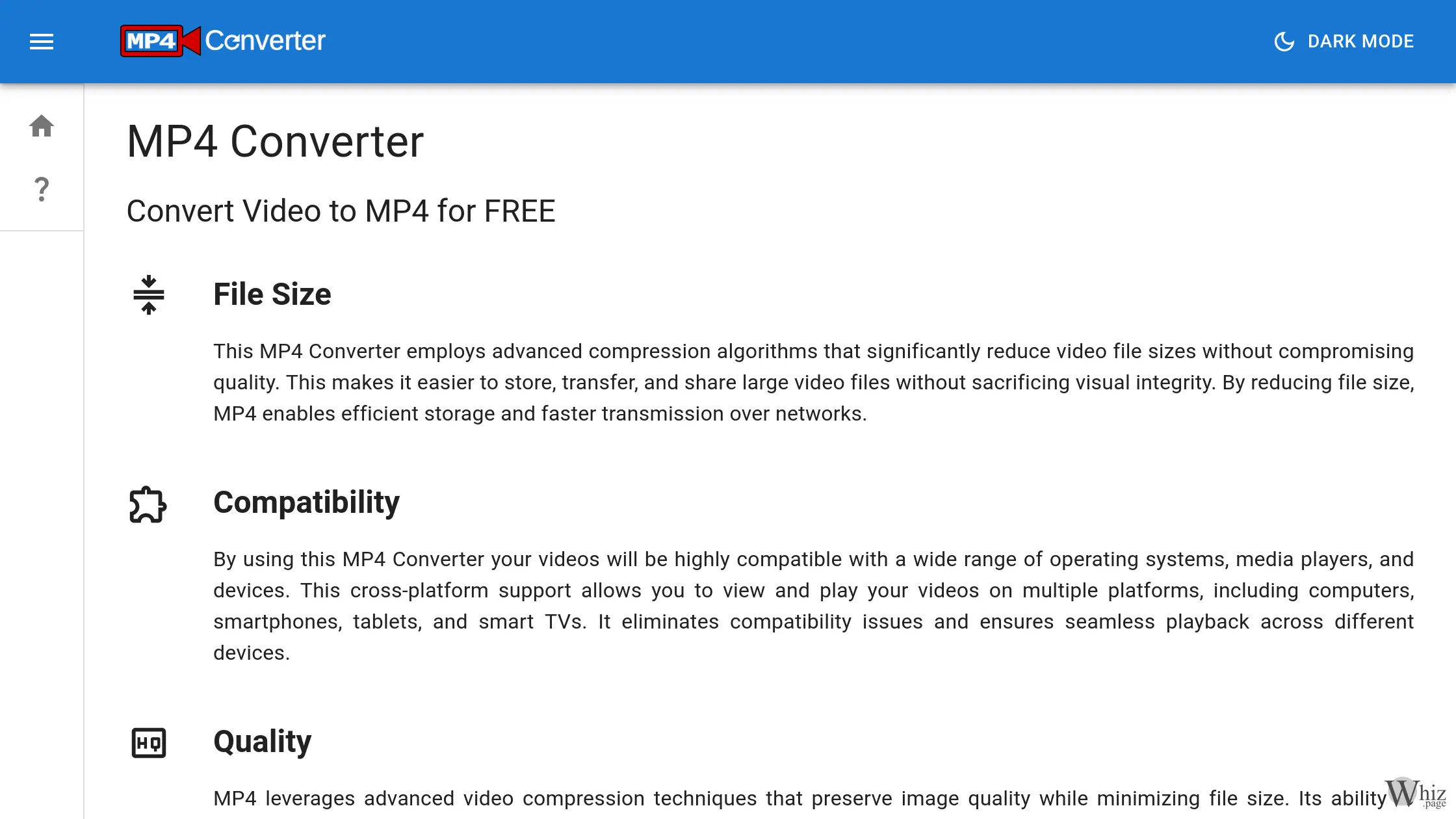
File size and storage efficiency are critical concerns for anyone managing digital video. High-definition and 4K video recording on modern smartphones can quickly consume gigabytes of storage space, making it difficult to save, transfer, or upload files. MP4Converter.app tackles this problem head-on by utilizing highly advanced video compression algorithms. These intricate algorithms meticulously analyze the video data, identifying and removing redundant information while preserving the essential visual details. The result is a drastically reduced file size that maintains remarkable visual integrity. This optimized file size is crucial for efficient cloud storage management, fast file transfers over email or messaging apps, and rapid uploading to video hosting platforms.
The relationship between file size and video quality is a delicate balance, and the MP4 format manages this trade-off exceptionally well. The converter leverages these inherent capabilities to handle complex motion sequences, vibrant color palettes, and fine visual details without introducing distracting digital artifacts or pixelation. Users benefit from high-quality videos that look sharp and professional, even after significant compression. Furthermore, the performance of the final MP4 file is optimized through a careful combination of bitrate, codec selection, and resolution, ensuring that the resulting video plays flawlessly across varied hardware capabilities without stuttering or buffering delays.
Audio quality is just as important as visual clarity when it comes to the overall video experience. The MP4 format traditionally utilizes Advanced Audio Coding (AAC), a sophisticated lossy compression format developed by the Moving Picture Experts Group (MPEG). AAC is engineered to discard specific audio data during the encoding process to minimize file size, but it does so in a way that is virtually imperceptible to the human ear. This psychoacoustic modeling ensures that the audio fidelity remains exceptionally high, delivering crisp dialogue, deep bass, and clear soundtracks that perfectly complement the high-definition visuals.
Perhaps the most appealing aspect of this platform is its commitment to user accessibility and freedom. The service is entirely free to use, completely removing any financial barriers to premium video conversion. Users are not required to create an account, register an email address, or navigate through tedious sign-up processes. You simply visit the site and start converting. Moreover, the platform allows users to convert as many video files as they wish, bounded only by a generous rate limiter designed to prevent server abuse. Unlike many competing “free” online tools that maliciously stamp large, distracting watermarks or audio imprints onto the final video to force users into buying a premium subscription, this service guarantees that your created videos remain pristine and entirely unbranded.
Finally, while the technical process of converting video is seamless, the platform also encourages responsible usage regarding copyright and legal considerations. The MP4 format itself is an open standard, meaning it is inherently free to use and implement for storing digital content. However, the open nature of the container format does not negate the copyright protections of the content placed within it. Users are reminded that they must possess the necessary rights, licenses, or permissions to utilize any music, imagery, or video footage they incorporate into their files. Understanding this vital distinction ensures that content creators can utilize the platform to its fullest potential while remaining legally compliant and respectful of intellectual property rights. MP4Converter.app stands as a premier, user-friendly, and highly efficient gateway to universal video compatibility.